









































Online editors to prepare your marking files
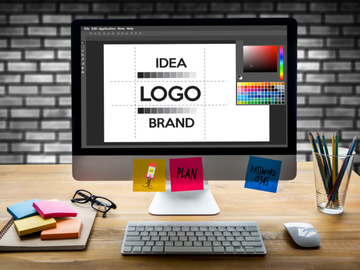
Prepare your files directly from your browser using Sherpa Transfert online editors.
- ✔ Prepare Your Logo
- ✔ Prepare your designs
- ✔ Check Your Logo

Our online editors


Whether you order a DTF transfer, screen print transfer, textile sublimation, DTF UV sticker, or custom patch, our tools allow you to prepare your designs before production without installing any software.
Create a print sheet, correct a logo, or automatically verify the quality of your files in just a few clicks.
Tools developed for marking professionals
At Sherpa Transfert, we know that quality marking always starts with a quality file.
That's why we've developed several online editors capable of simplifying the preparation steps before printing.
They save time, reduce errors, and produce files suited to all our personalization solutions.
Our tools
Three complementary tools
Merge editor
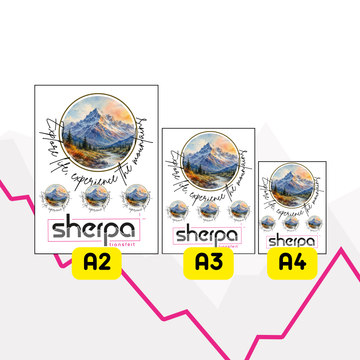
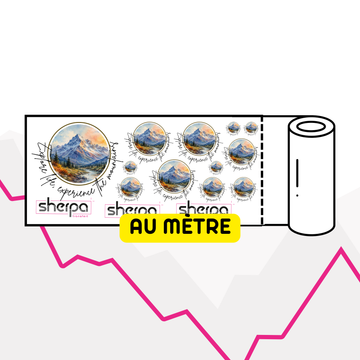
Easily create a print sheet by grouping multiple logos on the same file.
Import your visuals, resize them, duplicate them, organize them automatically and export a file ready to produce.
Ideal for optimizing your orders and minimizing wasted space.
Logo Editor
Prepare a logo before production.
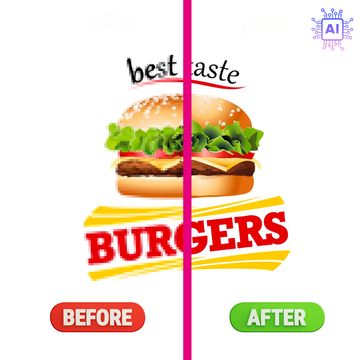
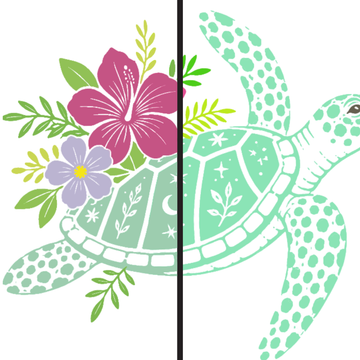
Remove a background, crop unnecessary space, adjust dimensions, modify certain colors, or export a transparent PNG or print-ready PDF.
A simple solution to get a clean file before placing your order.
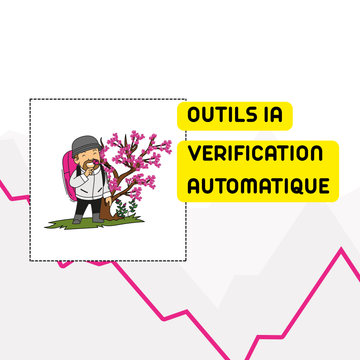
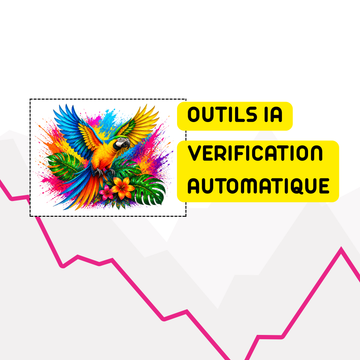
Logo checker
Automatically analyze your files before printing.
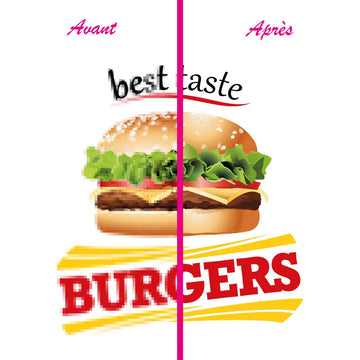
The checker controls resolution, dimensions, background, transparency and fine details to identify potential issues during production.
You get a clear diagnosis to share directly with your customer.
Compatible with all our products
Our online editors can be used to prepare files for:
- DTF transfers
- Screen print transfers
- Textile sublimation transfers
- DTF UV stickers
- Object sublimation transfers
- Custom patches
Regardless of the marking technique chosen, you have the same tools to prepare your files under the best conditions.
Why use our online editors?
- Save time on file preparation.
- Correct errors before production.
- Automatically verify the quality of your logos.
- Prepare your visuals without graphic software.
- Export print-ready files.
- Reduce the risk of errors in your orders.
A unique set of tools
Unlike most printers, Sherpa Transfert provides free access to a genuine suite of file preparation tools.
Each editor addresses a specific need and works directly online.
You prepare your files faster, with greater independence, while benefiting from Sherpa Transfert's technical expertise.
AI tools available with a token system
In the logo editor, some advanced tools work with a token system.
These tokens allow you to use our AI features, such as automatic background removal or logo vectorization.
The principle is simple: 1 AI action = 1 token used.
You can clean up a visual, remove a background, or vectorize a logo directly online, without complex software.
This is particularly useful for quickly preparing a file before ordering a DTF transfer, screen print transfer, sublimation, patch, or DTF UV sticker.
FAQ – Sherpa Transfert Online Editors
What are Sherpa Transfert online editors for?
They allow you to prepare, verify, correct or organize your files before ordering a DTF transfer, textile transfer, sublimation, screen print transfer or badge.
Which editor should I use to create a DTF sheet?
To create a DTF sheet, use the amalgam editor.
It allows you to group multiple logos on the same sheet, duplicate them, resize them, and optimize available space.
Which tool should I use to remove a white background?
To remove a white or solid background, use the online logo editor.
It allows you to clean up your file before printing and export a cleaner logo.
How do I know if my logo is high quality enough?
Use the logo checker.
It analyzes resolution, dimensions, background, transparency, and fine details to help you spot issues before production.
Do editors replace a graphic designer?
No.
They allow you to make simple corrections and perform the most common checks.
For complex corrections, graphic design or significant concerns, our designers can assist you with our file and proof services.
Can I use these tools without installing software?
Yes.
The editors work directly online from your browser.
Are the tools suitable for DTF transfer?
Yes.
They were designed to prepare files intended for DTF printing and other marking solutions offered by Sherpa Transfert.
Can I prepare a personalized t-shirt transfer with these editors?
Yes.
You can prepare a logo, check its quality, adjust its dimensions or create a layout before ordering your transfers for t-shirts, sweatshirts, tote bags or workwear.
How do tokens work for AI tools?
Tokens allow you to use the AI tools available in the logo editor.
Each use of an AI tool, such as automatic background removal or logo vectorization, consumes 1 token.
You can thus improve or prepare your files directly online before launching your order.
Our Solutions
Textile transfers
Discover our professional textile transfers to easily personalize all types of garments.
DTF transfer, heat-seal transfer, sublimation or screen-printed transfer: high-quality solutions with intense colors, excellent durability and simple application for all your textile marking projects.

DTF Transfer Printing

DTF Transfer Printing

DTF Transfer Printing

DTF Transfer Printing

DTF Transfer Printing
Custom patches
Discover our custom patches for clothing, sports, workwear and textile accessories.
Engraved, sublimated or 3D patches: durable, detailed solutions that are easy to apply for professional and long-lasting branding.

SELECT 3D Patch - Embossed Patch with Spot Polish - SherPATCH

SUBLI COLOR patch - sublimated patch - SherPATCH

GRAV' CUIR patch - silimicuir engraved patch - SherPATCH

SUBLI COLOR MOUMOUTE patch - soft sublimated patch - SherPATCH

GRAV' LIÈGE patch - engraved cork effect patch - SherPATCH
Object transfers
Discover our object transfer solutions to easily personalize your rigid surfaces and promotional items.
UV DTF stickers and sublimation: high-definition marking techniques offering vibrant colors, excellent precision, and simple application on many objects.

UV Transfer Printing DTF Object

DTF Transfer Printing

DTF Transfer Printing

Prepaid PRO 3D Sticker Printing Package

Sublimation Prepaid Object Printing Package
Blog Articles
Our blog articles provide you with expert advice, practical guides, and technical tips to succeed in all your textile transfer, t-shirt transfer, and professional textile transfer printing projects.


