








































Online tools to prepare your personalization projects
Discover all the online tools developed by Sherpa Transfert to prepare your files, quotes and marking projects more easily.
- ✔ Vectorization
- ✔ Online Editor
- ✔ Logo Change

Logo modifications, design creation, file verification, BAT generation or technology comparison: our tools support textile and object personalization professionals before ordering.
They can be used to prepare projects in DTF transfer, screen printing transfer, sublimation, custom patches, DTF UV stickers and other marking solutions offered by Sherpa Transfert.
Tools
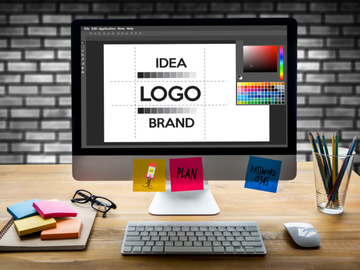
Edit and optimize my logos
Prepare your designs directly online, without complex graphic software.

Online logo editor
Resize and adjust your logos before using them on a garment, textile accessory, badge or personalized item.

Logo checker
Quickly analyze the quality of your file. The tool can detect resolution issues, the presence of a background, semi-transparent areas, or certain elements that may affect the final result.

AI Vectorization
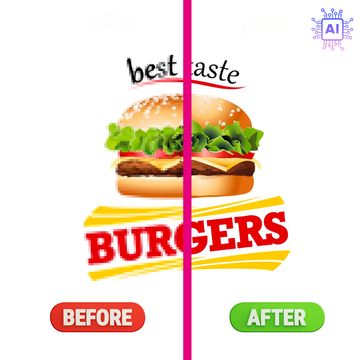
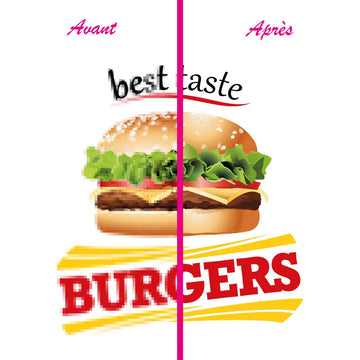
Transform a pixelated image into a vector file. You get sharper outlines and a logo that can be enlarged without significant loss of quality.

AI Background Removal
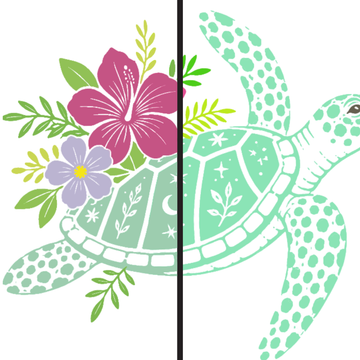
Automatically remove the background from your image to get a cut-out visual, ready to be used for your customization project.
Merge editor
Create my production files
Merge editor
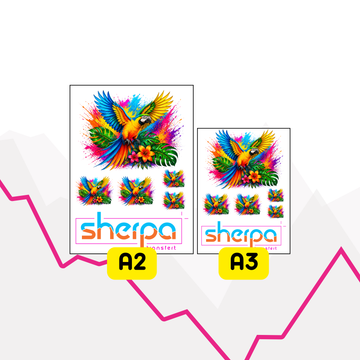
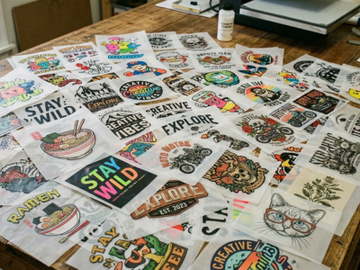
Combine multiple logos or designs in a single file.
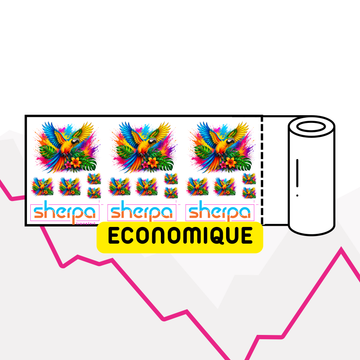
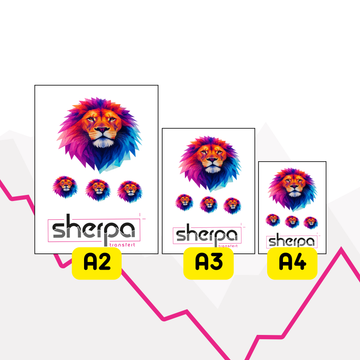
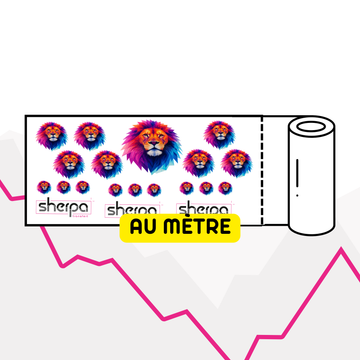
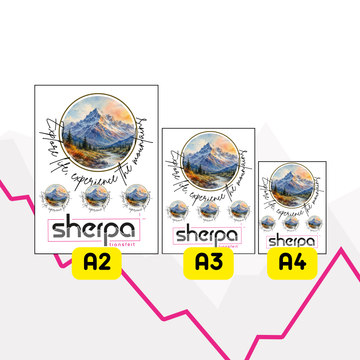
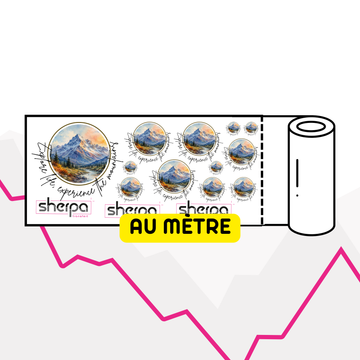
The nesting editor allows you to position, resize, and duplicate your creations to optimize the available space on a sheet or meter print.
It is particularly suited for preparing DTF transfer, screen print transfer, or sublimation files.

QUOTE & ESTIMATE
Generate my proofs and quotes
Proof and quote editor
Quickly create a professional presentation of your project.
Place logos on products, specify dimensions and generate a clear proof to share with your client. You can also more easily prepare your textile and object customization quotes.
This tool is intended for marking workshops, agencies, resellers, associations and brands.
Analysis
Compare DTF PRO and DTF PRO MAX
DTF rendering comparison tool
Analyze the colors in your file to determine if DTF PRO MAX can provide real visual benefits.
The comparator identifies colors outside the CMYK spectrum typically used for DTF PRO printing.
You can then choose between DTF PRO, suitable for most visuals, and DTF PRO MAX, recommended for certain logos with particularly vibrant colors.


Tool credit - Sherpa Transfert
Buy tokens for AI tools
Vectorization and background removal work with tokens.
One token corresponds to one use of an AI tool. Once processing is complete, you can download your optimized file and use it for your various customization projects.
Tokens are available without subscription and can be used only when you need them.

A trusted partner
Tools designed by marking experts
A pioneer of DTF printing in France, Sherpa Transfert develops tools designed to simplify file preparation and limit errors before production.
Our expertise covers textile transfer, DTF printing, screen printing, sublimation, custom patches, and DTF UV stickers.
These tools help you save time, improve your file quality, and prepare your orders more efficiently.
FAQ about our online tools
Are the tools reserved for DTF transfer?
No. All our tools can be used to prepare files for different products: textile transfers, sublimation, patches, DTF UV stickers and other customization solutions.
Can I verify my logo before ordering?
Yes. The logo checker allows you to identify the main issues that could affect the quality or feasibility of your project.
What is the difference between vectorization and background removal?
Background removal removes the background from an image. Vectorization transforms a pixelated image into paths that can be resized more easily.
Does the merge editor work for all products?
It is primarily designed for products ordered by sheet or by the meter, including DTF transfers, screen-printed transfers, and sublimation.
Is the DTF comparator useful for all files?
No. It only concerns the comparison between DTF PRO and DTF PRO MAX. It helps determine if certain colors in the file can benefit from the expanded color gamut.
Discover our graphic design services
Call on our graphic designers to redraw your logo in vector format, modify your visual or transform it into a halftone pattern. Professional services to obtain a clean, usable file perfectly suited to your customization project.

Logo vectorization


