



























































Remove background (AI)
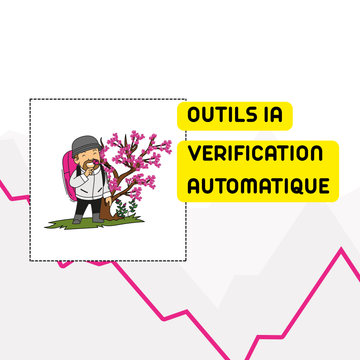
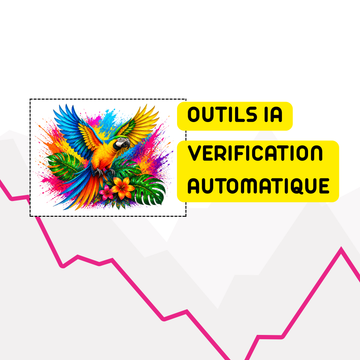
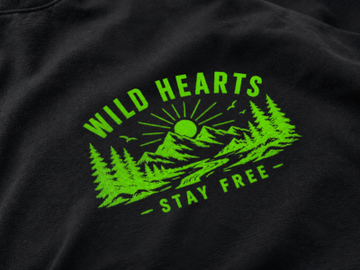
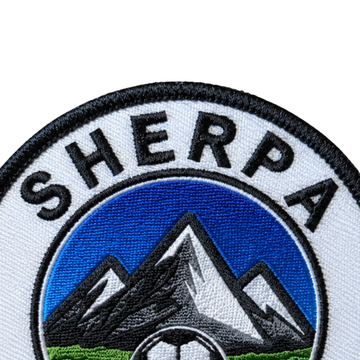
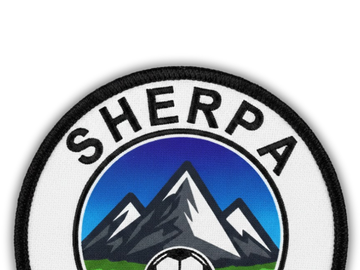
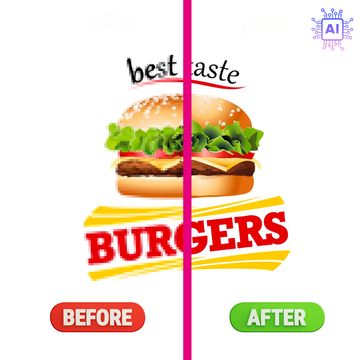
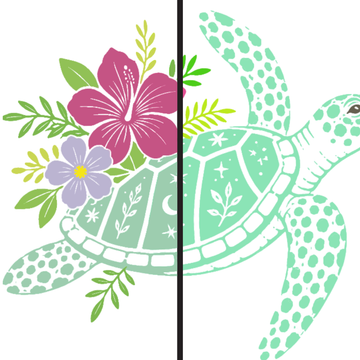
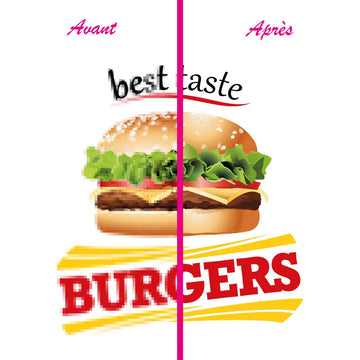
Remove the background with AI to prevent a rectangle from printing around your logo.

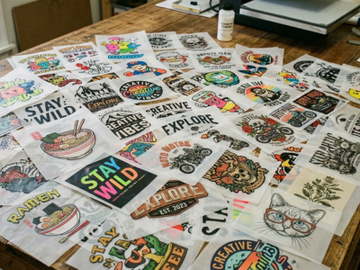
File preparation tool for textile marking
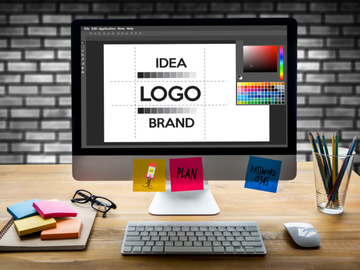
Prepare your logo before production without graphic software. Import a file, check its quality, remove the background with AI, vectorize, adjust dimensions and export a PDF ready for textile marking (1 credit).
Quick Touch-up
The editor is designed for frequent corrections before textile marking: clean up the file, adjust the size and get a clean export.
Remove the background with AI to prevent a rectangle from printing around your logo.
Reduce unnecessary margins around the visual to work on the actual dimensions of the logo.
Specify a width or height in centimeters to prepare the file to the final size of the marking.
Download your corrected logo as PDF. Each download uses 1 credit.
Workflow
Before production
For when your logo contains a white background to remove.
When the file has too much empty space around the design.
When you need to define a precise size in centimeters.
When you want to upload a clean version before a textile marking order.
Frequently asked questions
No. The editor allows you to make the most common corrections directly from your browser.
The editor accepts common logo formats such as PNG, JPG, WebP, PDF, and AI depending on available processing options.
AI background removal, AI vectorization, and each PDF download consume 1 credit. Your balance is displayed in the editor when you are logged in. If it reaches 0, the tool will offer you the option to purchase more before continuing.
Ce téléchargement va consommer 1 crédit.
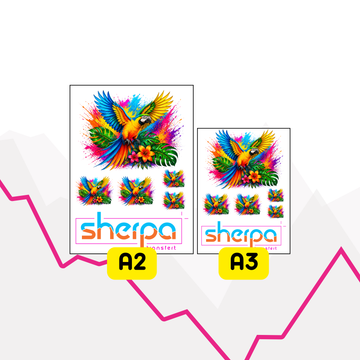
Images renvoyées par la vérification fichier (même source que Fast Order).


